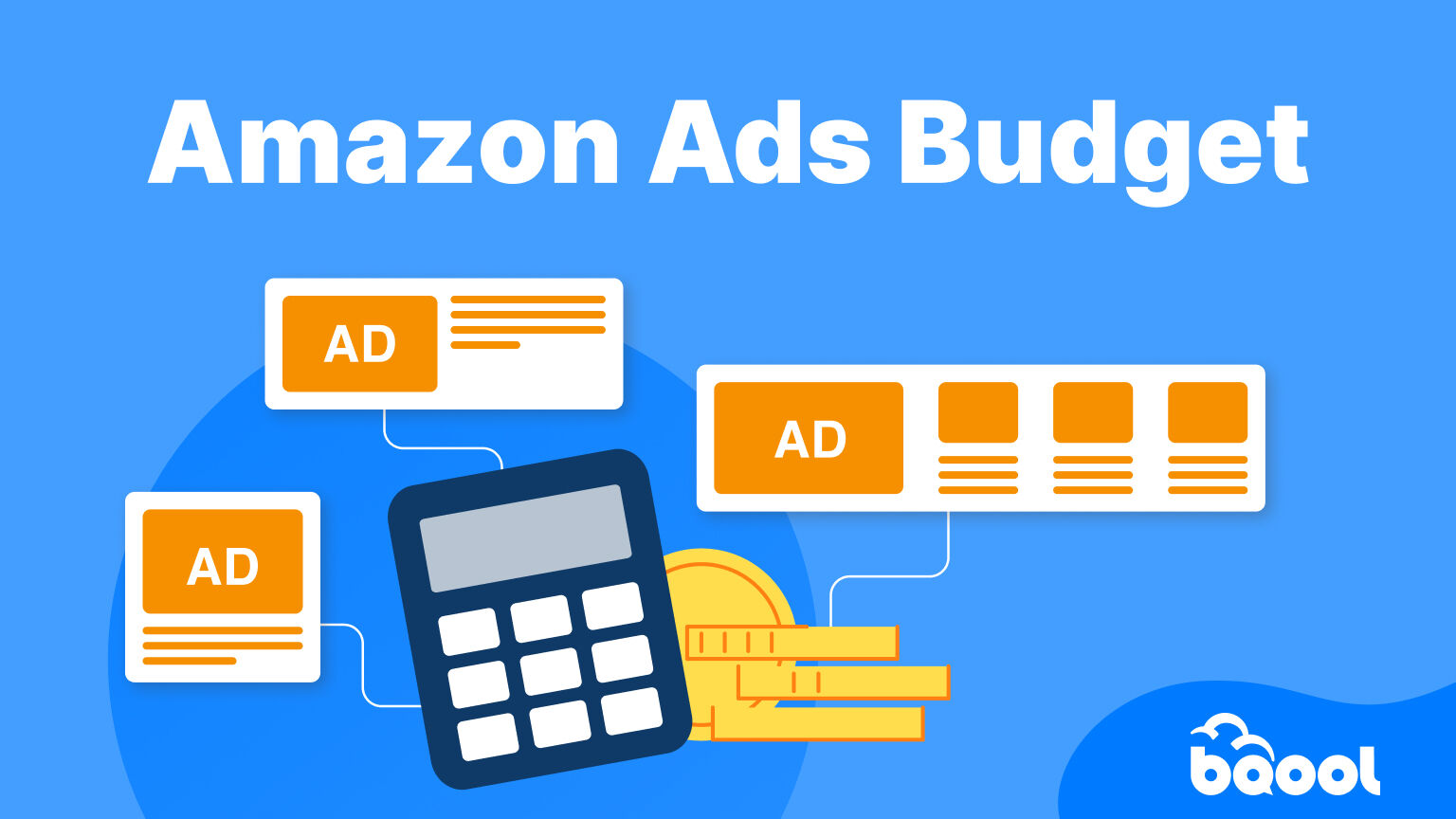
Many Amazon sellers start with a daily ad budget of $10–$50, or allocate 10-30% of revenue to advertising, depending on their margins and growth targets.
While these benchmarks can be helpful, there’s no one-size-fits-all budget.
In this article, you’ll learn what a realistic budget is based on your numbers.
Overview
- How do Amazon Ads work?
- What are the cost differences between Amazon Ad Types?
- How Much Should You Budget for Amazon Ads at Each Stage of Your Business?
- Bids vs Budgets: What’s the difference?
- How Amazon Fees Affect Your Amazon Advertising Budget
- How to Adjust your Ads Budget during Peak Seasons
- How to Keep Your Amazon Ads Budget Working Efficiently
- Conclusion
How do Amazon Ads work?
Amazon Advertising uses a pay-per-click (PPC) auction system where sellers compete for ad placement in search results. You only pay when someone clicks your ad, not when it’s shown.
When a shopper searches (for example, “wireless mouse”), Amazon runs an instant auction. Ad placement depends on:
- Bid amount: how much you’re willing to pay
- Ad relevance: how well your product matches the search
A higher bid doesn’t always guarantee top placement, because relevance and listing quality also matter.
Cost Formula
Ad Spend = Clicks × Cost Per Click (CPC)
So your total spend depends on how many clicks you get and how expensive those clicks are.
Understanding this helps you set a more realistic Amazon ad budget. If you’d like to learn more, you can read the full article here.
What are the cost differences between Amazon Ad Types?
Amazon ad costs vary by format, bidding model, and campaign objective. While Sponsored Products are typically the most cost-efficient option for driving conversions, Sponsored Brands and Sponsored Display can require higher bids in exchange for greater visibility and broader reach. The table below compares average CPCs, vCPMs, and the main cost differences across each ad type.
| Ad Type | CPC | vCPM | Cost Level | Key Difference |
|---|---|---|---|---|
| Sponsored Products | $0.81–$1.30 | N/A | Low | Cheapest, conversion-focused |
| Sponsored Brands | $1.10–$2.50 | N/A | Medium–High | Pay more for visibility |
| Sponsored Display | $0.80–$1.60 | $4–$12 | Variable | CPC or impression-based |
If you’d like a deeper breakdown, you can read our detailed guide on the three most common Amazon ad types.
How Much Should You Budget for Amazon Ads at Each Stage of Your Business?
There’s no one-size-fits-all answer when it comes to Amazon ad budgets, how much you should spend depends largely on where your business is in its growth journey. A new seller launching their first product often needs to invest more aggressively to gather data and build momentum, while a more established brand can shift its focus toward efficiency and profitability.
The table below outlines typical budget ranges by seller stage, showing how much to spend relative to your revenue (TACoS), along with corresponding monthly and daily budgets and expected evaluation timelines. Think of it as a practical benchmark to help you understand what’s typical at each stage, and whether you’re on the right track.
| Seller Stage | Monthly Revenue | % of Revenue on Ads (TACoS) | Monthly Budget | Daily Budget | Time to Evaluate | Key Objective |
|---|---|---|---|---|---|---|
| Beginner / Launch | $0–$50K | 20%–40% | $500–$3,000 | $10–$100 | ~30 days minimum | Data collection + validation |
| Early Growth | $50K–$100K | 15%–30% | $3,000–$10,000 | $100–$300 | 2–4 weeks | Scale winning keywords |
| Validated Product That Has Demand | ~$50K–$150K (e.g. ~500 units/month) | 15%–25% | $1,500–$3,000 | $50–$100 | ~30 days | Profit validation + scaling |
| Scaling (6-figure) | $100K–$500K | 10%–20% | $10,000–$50,000 | $300–$1,500 | Ongoing optimization | Efficiency + growth |
| Established (7-figure) | $500K+ | 8%–15% | $50,000+ | $1,500+ | Continuous | Profit + market share |
Bids vs Budgets: What’s the difference?
Budgets and bids work together to control how your Amazon ads spend and perform.
Your budget sets the maximum you can spend each day. Once it’s used up, your ads stop showing.
Your bids, on the other hand, determine how much you’re willing to pay per click and how competitive you are in the auction.
In simple terms, budgets control how much you spend, while bids control how efficiently you spend it. If your campaigns are hitting their budget too quickly, it’s not always because your bids are too aggressive, it can also be driven by high search demand, popular keywords, or strong performance that earns you more visibility and clicks.
How Amazon Fees Affect Your Amazon Advertising Budget
Every increase in fees reduces your profit margin, which directly lowers your break-even ACoS and limits how much you can afford to spend.
These include:
It’s important to understand these fees because if costs rise while your budget stays the same, campaigns can quietly become unprofitable. Review your costs regularly alongside metrics like ACoS, TACoS, conversion rate, competition, and product lifecycle stage.
How to Adjust your Ads Budget during Peak Seasons
External factors during peak seasons can temporarily change performance dynamics. Cost per click (CPC) often increases due to higher competition, which may require a temporary increase of your budget to ensure you remain visible. At the same time, efficiency can fluctuate, so it’s important to monitor performance closely and adjust accordingly.
How to Keep Your Amazon Ads Budget Working Efficiently
Even with the right strategy, managing budgets across multiple campaigns can become time-consuming as your account grows. A common issue is top-performing campaigns running out of budget and missing sales.
Features like Auto Budgeting from BQool AI Ads help solve this by automatically allocating budget to keep your best campaigns active, reducing manual adjustments and keeping spend focused on what works.
Conclusion
Your ad spend should reflect your margins, targets, and campaign efficiency. Tools like BQool AI Ads, with features such as Auto Budgeting, can help streamline this process by keeping your top-performing campaigns funded and reducing manual adjustments.