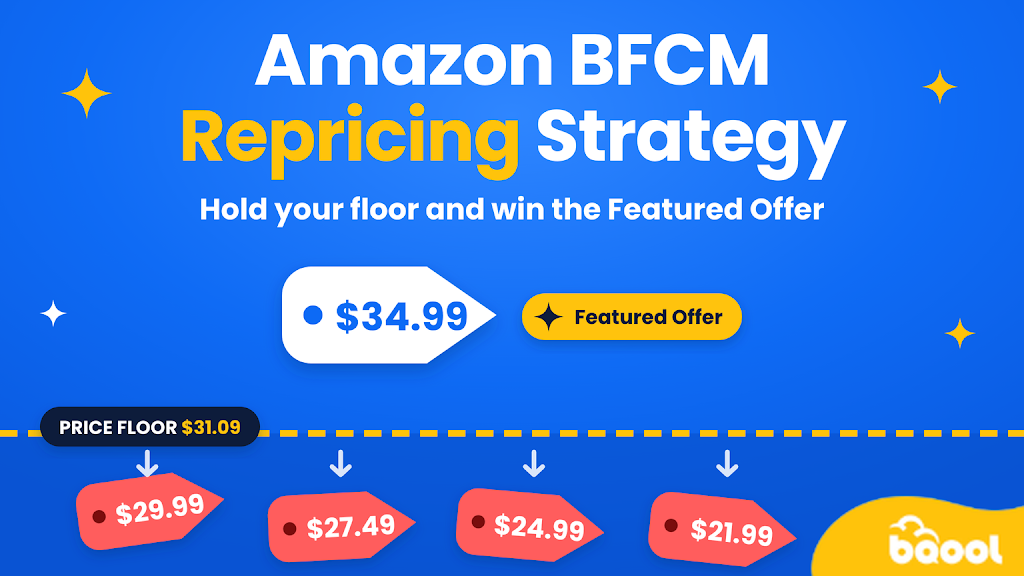
BFCM, from Black Friday on Nov 27 through Cyber Monday on Nov 30, is when price pressure hits its yearly peak. Reacting by hand usually costs you margin or the Featured Offer (Buy Box), so you need a plan before the rush starts.
This guide covers repricing on Amazon during BFCM: how to set your floor and ceiling, how to react to competitors without a price war, and what to do with short and aging stock.
Overview
- Amazon BFCM Repricing Strategy
- How Does the Featured Offer Work During BFCM?
- Strategy #1: Set Minimum and Maximum Prices for BFCM
- Strategy #2: Build Amazon BFCM Repricing Rules That Avoid a Price War
- Strategy #3: Adjust Prices to Your Stock Levels
- Repricing Priorities by Seller Type
- After BFCM and Back to Normal Rules
- How BQool Repricing Can Support Your BFCM Rules
- Amazon BFCM Repricing FAQ
Amazon BFCM Repricing Strategy
Your Amazon BFCM repricing plan has three stages, and each one calls for a different posture:
| Stage | Rule posture |
|---|---|
| Before (now to Nov 25) | Rebuild floors and ceilings, and test your rules |
| Black Friday to Cyber Monday | Hold floors and watch the Featured Offer |
| After (from Dec 1) | Relax ranges, then clear aging stock |
For dates and prep, see our Amazon BFCM guide for sellers.
Should I Use a Repricer for BFCM?
So, what is an Amazon repricer? It is software that changes your prices automatically, based on rules you set, so you can respond to competitors faster than you could by hand. During BFCM, prices on a shared listing can change many times a day, including overnight, and no one can check that often.
A repricer is worth using if:
- You share listings with other sellers, as most wholesale and arbitrage sellers do.
- You manage more listings than you can review.
- You don’t have the time to watch your prices overnight or through the weekend.
You may not need a repricer if you sell a handful of listings with little competition, but you still need a floor and ceiling for each one.
How Does the Featured Offer Work During BFCM?
Most repricing rules aim at the Featured Offers (formerly the Buy Box), the offer shoppers buy from when they click Add to Cart. Amazon names price, fast delivery, seller performance, and availability. An offer that is out of stock can’t be featured.
BFCM changes how this works. Deals, coupons, and Prime Exclusive Discounts can change the price shoppers see, and your competitors run them at the same time. The lowest list price is not the only signal, so competing for the Featured Offer looks different than it does in a normal week.
That’s why Featured Offer share shouldn’t be your goal. A win below your floor costs you money, so balance share with sell-through and profit per unit.
Amazon is removing seller eligibility requirements for the Featured Offer, with the rollout finishing by the end of 2026 (Amazon announcement). Selection still depends on the same factors, but expect more sellers on your listings and re-check your floors.
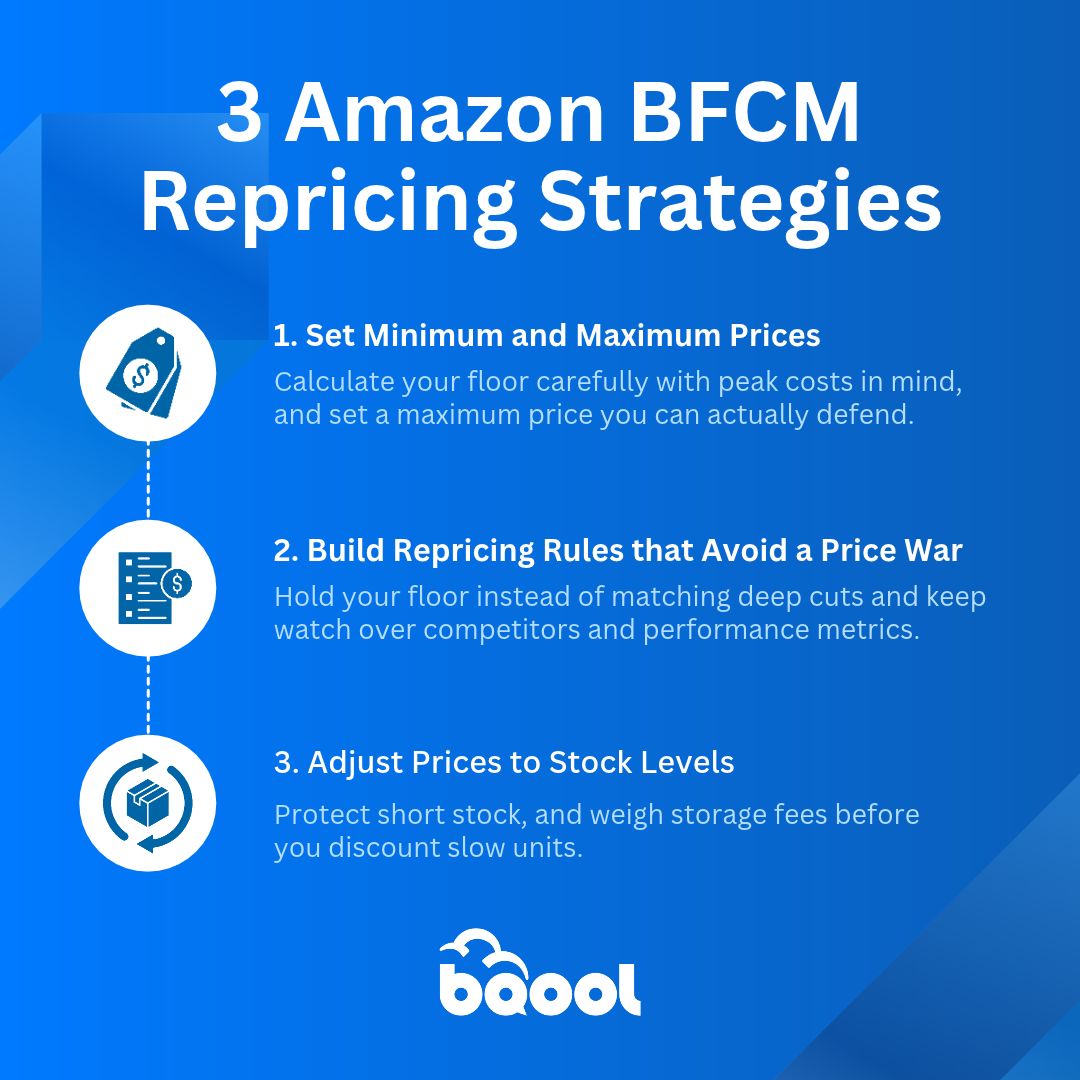
Strategy #1: Set Minimum and Maximum Prices for BFCM
Your floor and ceiling decide how far every repricing rule can go, so set them before anything else.
Rebuild your minimum price with peak costs
Your minimum price is the lowest price that still earns the profit you want. The formula is:
Min price = (cost + fulfillment fees) ÷ (1 − referral fee − target margin)
Add Amazon’s peak fee, which averages about $0.32 more per unit from Oct 15 to Jan 14, 2027, plus a 3.5% surcharge.
Example:
A product costs $18. The FBA fee, including the peak increase, is $5.32. The referral fee is 15% and your target margin is 10%.
($18 + $5.32) ÷ (1 − 0.15 − 0.10) = $23.32 ÷ 0.75 = $31.09 (Your Minimum Price)
This leaves out the 3.5% surcharge and storage, so use your own fee estimate.
If you plan to run a deal, coupon, or Prime Exclusive Discount, set your floor on the price after the discount, so the deal never takes you below it.
Set a maximum price you can defend
Set your ceiling from last year’s Q4 highs and your 90-day price history, not from summer prices. A high ceiling doesn’t help you. Amazon can suppress the Featured Offer when prices run well above what shoppers see elsewhere, so keep the ceiling at a price shoppers have actually paid. You can find this data in price history tools like Keepa, or in your repricer’s history.
Strategy #2: Build Amazon BFCM Repricing Rules That Avoid a Price War
Once your limits are set, your rules decide how you respond when competitors move.
Hold your floor instead of matching deep cuts
Good Amazon BFCM repricing rules don’t chase a competitor who is pricing below its own margin. Some of those cuts don’t last, and Lightning Deal sellers often drop prices only for the length of the deal. Hold your floor, and let the price settle before you decide whether the market has moved. If you match every cut, you pay for it in margin, so let your floor decide how far you go.
Choose who you compete against
You can’t follow every price drop during BFCM, and you shouldn’t. Some sellers cut deep to clear stock and accept a loss. If you follow them down, you pay for a decision that was never right for your business.
Pick the competitors your repricer should watch, and ignore the rest. Three filters help most:
- Seller feedback: A seller with a low rating or very few reviews doesn’t win shoppers the way an established one does, so leave them out.
- Fulfillment method: If you ship with FBA, compare yourself with other FBA sellers, not with every lower-priced FBM offer.
- Price floor: If an offer sits below the price where you still earn a profit, skip it.
You don’t have to be the cheapest seller to earn the Featured Offer. Fast delivery, a strong seller record, and a fair price can be enough.
Your goal changes the answer. If you want to clear stock, you can compete with more sellers and cut prices faster to sell units. Even then, set your minimum price at the lowest loss you can accept.
Start from your BFCM goal, then choose your competitors to match it.
💡 Pro tip: BQool’s Rule-Based Repricer lets you set this up. In the rule settings, you choose which seller types to compete with, such as FBA, and exclude sellers by feedback rating, feedback count, handling time, or shipping option. The Price Change Safety Net stops one low offer from dragging your price down.
Know what to watch and when to adjust
Your rules run on their own during BFCM, but three signals tell you when to take a closer look.
- Featured Offer win rate by ASIN: Check it at the start of each event day. A sudden drop on a fast-selling listing often means a competitor priced far below your floor. Before you react, check whether that price can last, because sellers who price below their own margin at peak often raise prices again within hours.
- Stock on your top sellers: An offer that is out of stock can’t be featured. If a top ASIN is selling faster than you planned, raise its floor before it runs out, so the remaining units sell at a better margin.
- Competitor deals: A Lightning Deal on a competing product can widen the price gap while it runs and narrow it afterward, so your rules don’t need to change.
Leave your floors alone during the event. Lowering a floor to chase a competitor’s price is a common Q4 mistake. Sellers who price below their own margin at peak often raise prices again within hours, so you would give up margin for a price that doesn’t last.
Don’t spend your sharpest prices on day one either. Many sellers report that sales slow down after the first day, so steady pricing early leaves you room to move later. Save your sharper moves for the evening, when shoppers spend the most.
Strategy #3: Adjust Prices to Your Stock Levels
How much stock you have left changes what each sale is worth, so your repricing rules should change with it.
Raise the floor on limited stock
If you only have a few units, raise the floor so they sell at a better margin instead of selling out on day one. Don’t lower the floor during the event. When stock runs out, your offer can’t be featured, and a sold-out listing hands the Featured Offer to someone else.
Lower prices in steps on slow stock
Aging stock costs you storage fees. For each slow unit, compare the storage fee with your margin. If the fee takes most of your profit, a discount may cost you less than holding the unit. If it doesn’t, hold your price and wait for the December gift buyers.
To decide which units to discount first, check your days of supply, which is how long your stock will last at your current sales rate.
📣 Is your ad spend ready for BFCM? Pair these rules with our Amazon BFCM PPC strategy to set bids and budgets that your margins can support.
Repricing Priorities by Seller Type
Depending on how you sell, here is the one priority to focus on for BFCM.
By Business Model
- Online and retail arbitrage: Recheck each unit’s margin after fees, and price to sell through.
- Wholesale: Match Featured Offer price on shared listings and let rotation share the sales.
By Fulfillment Method
- FBA: Build peak-season fees into your floor.
- FBM: Keep delivery speed competitive since it affects Featured Offer.
By Catalog Size
- Many SKUs: Group listings by stock depth and replenishment lead time, with a separate rule group for each.
After BFCM and Back to Normal Rules
Don’t leave your BFCM rules on. Step them back in stages.
- Early December: Restore your pre-event ranges and turn off any BFCM-only rules.
- Mid-December: Relax your ranges for gift buyers.
- After Dec 26: Clear aging stock, weighing storage fees against your margin.
- January: Review sell-through and profit per ASIN, then reset your floors. Peak fees end Jan 14, so update your costs after that date.
How BQool Repricing Can Support Your BFCM Rules
Rules only help if they run every minute of the weekend. BQool Repricing is Amazon repricer software that carries out your floors and ceilings, even when you are offline.
- AI Repricer matches the Featured Offer price on shared listings and balances profit and sales.
- Rule-Based Repricer applies your floors, ceilings, and rules, to protect your margin through overnight price drops.
- Conditional Repricer changes price based on stock, such as days of supply, so short stock gets a higher floor and aging stock gets discounted in stages.
- Profit Calculator helps you set accurate floors and ceilings without the manual math.
You still set the strategy, and the tool does the repetitive work. To learn more about Amazon repricing tools, read how to use an Amazon repricer.
Amazon BFCM Repricing FAQ
Should I lower prices on Amazon for Black Friday and Cyber Monday?
Only down to your floor, and only if the extra units make up for the lower margin. If they don’t, hold your price.
How low can my repricer go?
As low as your minimum price, which you set from your costs and fees.
Should I change my rules on Cyber Monday?
Check them, but avoid big rewrites in the middle of the day.